Fusion Preparation App
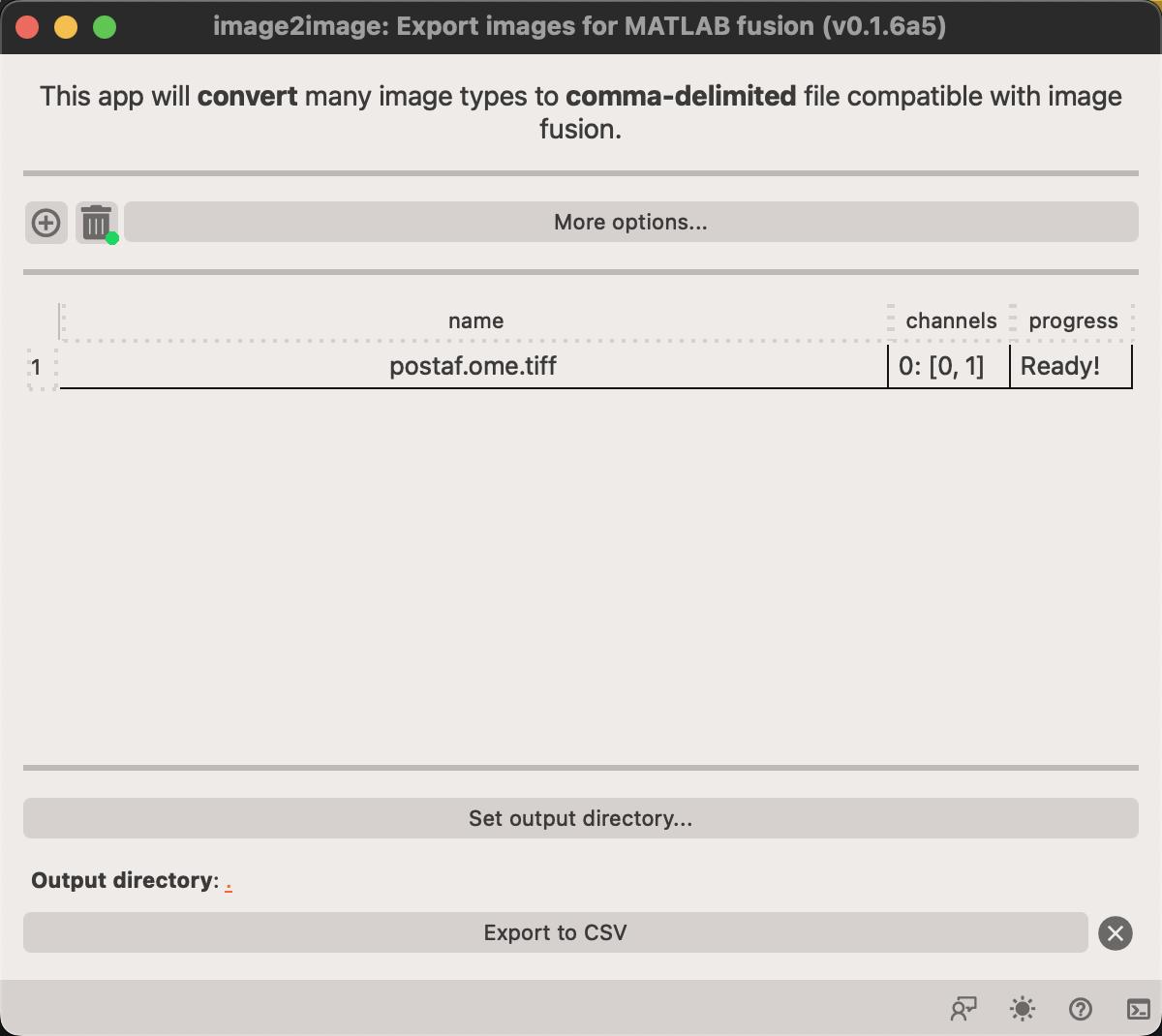
This app enables export of microscopy data in CSV file format that is compatible with Raf Van de Plas' fusion program. The fusion tool uses a non-standard CSV format which can be troublesome to generate using normal tools.
Steps to export image(s)
- Load your image(s) by drag-and-drop into the window or clicking on the button. This let's you select images to load.
- Select the output directory by clicking on the
Set output directorybutton. - Click on the
Export to CSVbutton to initiate the output. Progress of the exprt is shown in theprogresscolumn.
Warning
This app does not have viewer canvas so the images will not be displayed!