Datasets and channel selection
When working with multiple datasets (images, masks, annotations, etc.), it is often necessary to select which datasets and channels should be displayed in the viewer.
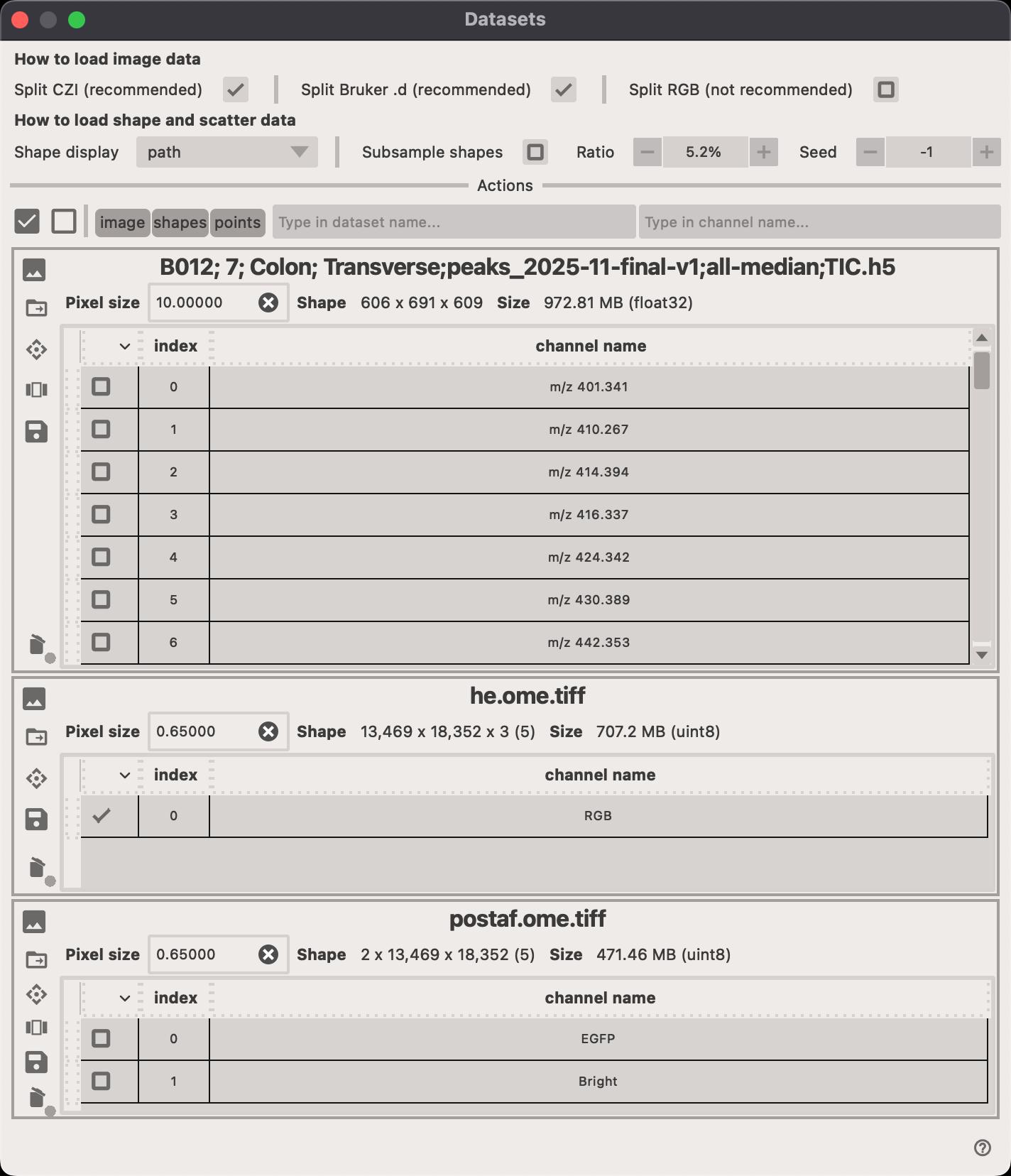
Within each dataset card, you can perform several actions.
- Click on the
Pixel sizefield to adjust the pixel spacing of the dataset. - Click on the to open the file location of the dataset.
- Click on the to select the transformation that should be applied to the dataset.
- Click on the to open a new popup window where you can select which channels should be displayed.
- Click on the to save the current selection of channels as a new dataset.
- Click on the to delete the entire dataset (all channels).